
Registering at True Fortune Casino takes only a few minutes: you'll need an email address, a chosen currency and a few personal details to open your account. Confirm your email, verify your identity once you're ready to withdraw, and you can claim the 200% welcome bonus up to £2,800 on your first deposit of at least £25. This guide walks through exactly what the sign-up form asks for, which documents verification requires, and the mistakes that most often slow new players down.
Who Can Register at True Fortune Casino
Registration is open to players aged 18 and over who can provide a valid email address and a government-issued form of identification. Each player may hold a single account — using duplicate accounts or someone else's details will delay verification later and can hold up your winnings further down the line. You'll register directly on the site itself; there's no social-media sign-in option, so an email address and a password combination is all that's required to get the form submitted.
Before you start, decide on your currency. GBP is the natural choice for UK players, since it keeps deposits and withdrawals free of conversion fees. You'll also want your full legal name and current address ready, as these details need to match whatever documents you submit later during verification.
How to Register at True Fortune Casino
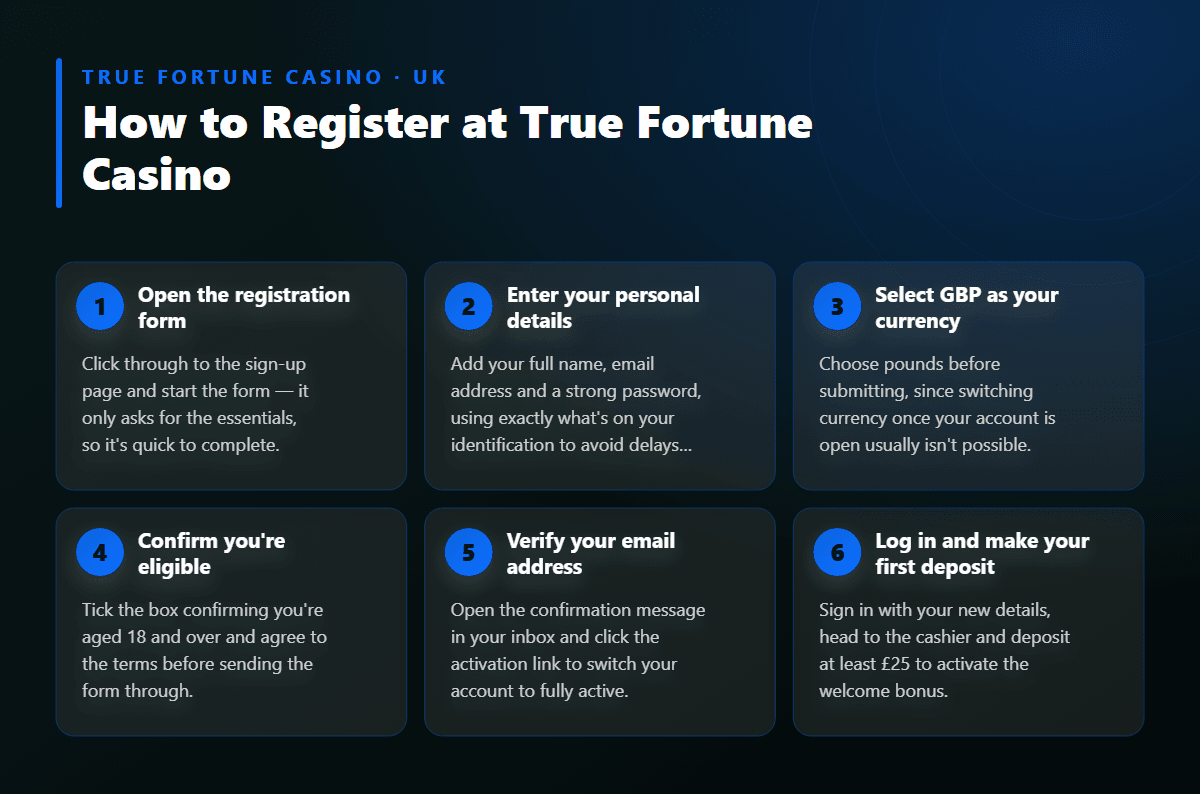
- 1Open the registration formClick through to the sign-up page and start the form — it only asks for the essentials, so it's quick to complete.
- 2Enter your personal detailsAdd your full name, email address and a strong password, using exactly what's on your identification to avoid delays later.
- 3Select GBP as your currencyChoose pounds before submitting, since switching currency once your account is open usually isn't possible.
- 4Confirm you're eligibleTick the box confirming you're aged 18 and over and agree to the terms before sending the form through.
- 5Verify your email addressOpen the confirmation message in your inbox and click the activation link to switch your account to fully active.
- 6Log in and make your first depositSign in with your new details, head to the cashier and deposit at least £25 to activate the welcome bonus.
- 7Complete verification when promptedUpload your photo ID and proof of address once asked, ideally before your first withdrawal, so your cashout isn't held up.
Confirming Your Email and Activating Your Account
Once you submit the registration form, a confirmation message lands in your inbox within minutes. Open it and click the activation link — this step confirms the email address belongs to you and switches your account status from pending to fully active. If the message doesn't appear straight away, check your spam or promotions folder before requesting a fresh confirmation link from the login screen.
With your account active, log in using the email and password you set during sign-up. You'll land on a dashboard where your balance, bonus status and the game library are all visible from one screen. It's worth setting up two-factor authentication at this stage too, so your account stays protected as soon as you start depositing and playing for real money.
Verification (KYC): Documents You'll Need
True Fortune Casino asks for identity verification before releasing any withdrawal — a standard check known as KYC, short for Know Your Customer. You'll typically need a clear photo of your passport or driving licence, plus a recent utility bill or bank statement showing your current address. If you've deposited by card, a screenshot of that card with the middle digits hidden may also be requested to confirm ownership.
Verification is usually triggered automatically the first time you request a withdrawal, or once a withdrawal passes £100. Submitting clear, legible documents the first time around keeps the whole process quick — reviews are typically completed within hours rather than days. Once you're verified, future withdrawals move through without needing to repeat the same checks, so it's worth getting this done early rather than waiting until you want to cash out.
Registration at a Glance
| Requirement | Detail |
| Minimum age | 18 and over |
| Minimum deposit | £25 |
| Minimum withdrawal | £100 |
| Account currency | GBP |
| Welcome bonus | 200% up to £2,800 |
| Wagering requirement | 35x bonus amount |
| Verification documents | Photo ID and proof of address |
Claiming Your Welcome Bonus After Registration
Once your account is active, picking up the welcome offer is straightforward. Deposit at least £25 using Visa, Mastercard, Bitcoin, Bank Transfer, Skrill, Neteller or Paysafecard, and your deposit is matched at 200%, up to £2,800. The bonus usually credits automatically alongside your first deposit; if it doesn't appear in your balance straight away, look for a claim button inside the promotions section of your account.
The match comes with a 35x wagering requirement on the bonus amount, which you'll need to clear before any related winnings become withdrawable. Table games also carry an ongoing deposit insurance perk — if your first bet at blackjack, roulette or another table game loses, that stake comes back as bonus credit up to your deposit amount, with no extra wagering attached on top. Full terms, including which games move the wagering requirement fastest, are explained in more depth on the welcome bonus page, which is worth reading before your first deposit lands.
Avoiding Common Registration Mistakes
- Name mismatches: enter your name exactly as it appears on your identification — a small typo here is the most common reason verification gets delayed.
- Wrong currency choice: switching currency after registration isn't always possible, so pick GBP before you submit the form.
- Skipping email confirmation: an unconfirmed account can't deposit or play, so activate it fully before attempting to log in and deposit.
- Using an unsupported method: PayPal isn't accepted, so choose one of the supported cards, e-wallets or Bitcoin instead when you fund your account.
- Leaving verification until the last minute: upload your documents early rather than waiting until you want to withdraw, so there's no pause on your first cashout.
Choosing Your Currency and Payment Method Before You Start
Your account currency is fixed at registration and ties directly to how you'll fund the account afterwards. GBP keeps everything simple — deposits, the welcome bonus and withdrawals all stay in one currency, with nothing to convert along the way. Supported deposit options include Visa, Mastercard, Bitcoin, Bank Transfer, Skrill, Neteller and Paysafecard, covering most preferences from cards through to crypto.
Remember that withdrawals return through the same method you used to deposit, so it's worth picking a payment option you're happy keeping for the long run rather than switching later. A full breakdown of deposit and withdrawal timing, including processing speeds for each method, sits on the payment methods page, which is worth a look before you make that first deposit.
FAQ
You can create and start using your account without submitting documents right away. Verification becomes necessary before your first withdrawal, so it's worth having your identification and proof of address ready in advance.
Choosing pounds keeps deposits, bonuses and withdrawals in one currency throughout, avoiding any conversion along the way.
Yes, the registration form and the full games library work directly through your phone's browser, with no separate app to install.
Check your spam or promotions folder first, then request another confirmation link from the login screen if nothing turns up.
The bonus generally credits itself once you make a qualifying first deposit, though you can also activate it manually from the promotions area if it doesn't appear straight away.
No — each player should hold a single account, since duplicate registrations can delay verification and affect your ability to withdraw.
An email address and password are the core requirements; a phone number isn't generally needed to complete sign-up.